

The character of the originals
Sampling and targeted DSP modelling recreate the instruments’ envelopes, filtering, modulation and lo-fi digital traits.

A virtual instrument based on Chinese-made toy and entry-level keyboards.
Sampling and DSP modelling recreate beginner keyboards from the 2010s through to recent budget models, including their sound processing and speaker character.
Windows · macOS Universal
VST3 / AU / Standalone · 1.5.1
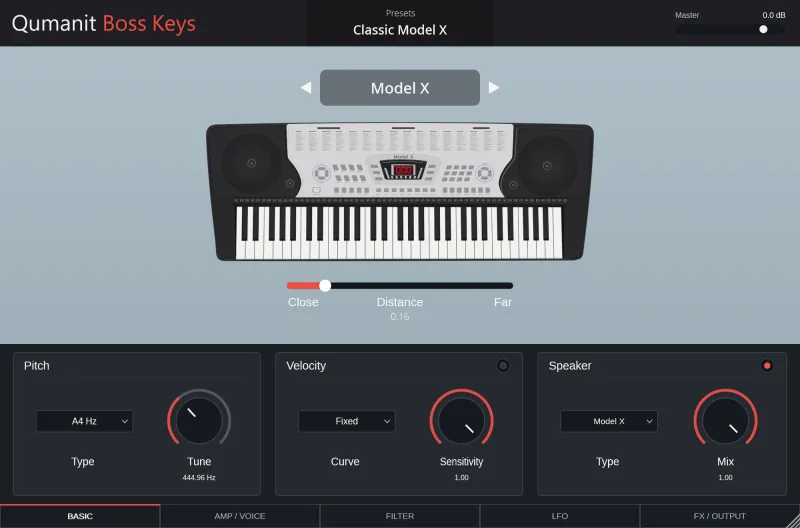
Sampling and targeted DSP modelling recreate the instruments’ envelopes, filtering, modulation and lo-fi digital traits.
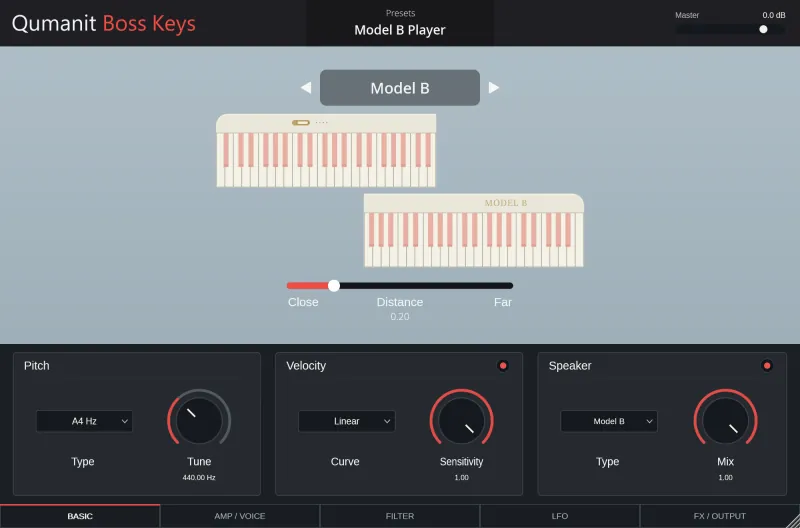
Measured speaker impulse responses and convolution recreate the sound of the hardware’s speakers, with adjustable close and far perspectives.
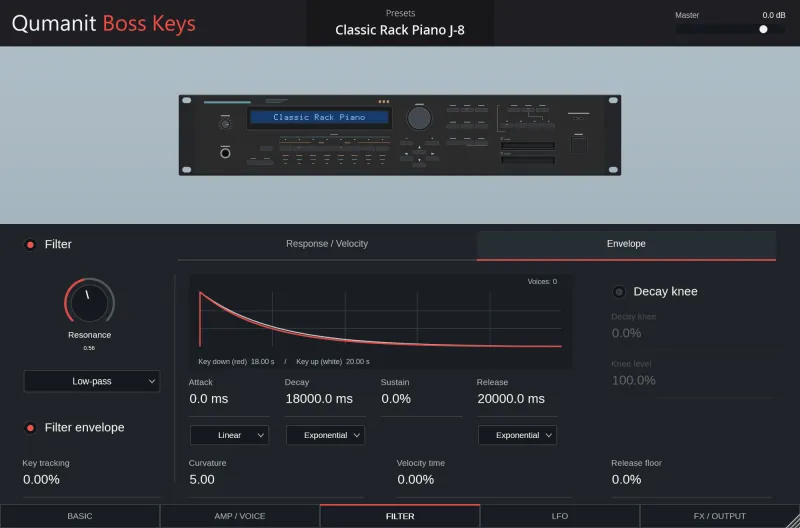
Designed for retro arrangements, lo-fi music, ambience and nostalgic productions. Shape the sound further with envelopes, filters, LFOs and reverb.
Free to use, including in commercial music production.
Released
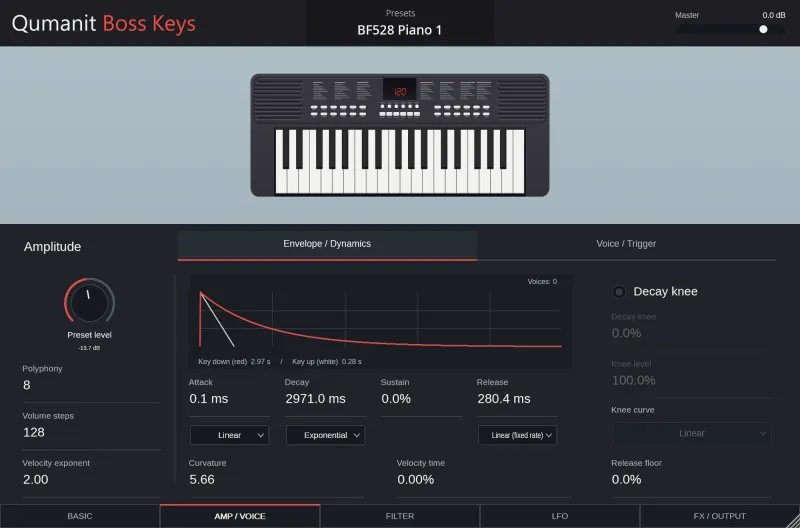
Added the GA-26100 instrument model. Improved the sound engine. Refined the UI. Applied the new preset catalogue: Childhood Dreamcore, Tower on the Cat and Fiction Keyboard now appear in the Other category. Each envelope stage now has independent curvature, with 0 producing a linear curve. Added a rate-based release mode that continues along the decay curve. Fixed velocity is now MIDI 100. Added a soft knee, peak hold and smoothed threshold control to the output limiter, with a new threshold knob ranging from -24 to +6 dB.
Windows 10 / 11 · x64
VST3 + Standalone
Released
Free downloadEXE · 8.42 MiBmacOS 13+ · Apple Silicon / Intel
VST3 + AU + Standalone
Released
Free downloadDMG · 40.33 MiBWithout Apple Developer ID signing or notarization. macOS or your host may restrict installation or loading.
Windows · Quit your host and run the EXE. Choose VST3, standalone, or both, then rescan plugins.
macOS · Open the DMG and run the PKG. Select components under Customize. Find the standalone app in Applications and restart your host to scan AU or VST3.
On first launch of the standalone app, select audio output and MIDI input in Settings. The interface supports Simplified Chinese, English, and Japanese. Commercial music creation is permitted; see the included usage terms for full conditions.
Save projects before updating, then check presets and automation afterwards.
Released
Windows 10 / 11 · x64 · VST3 + Standalone
macOS 13+ · Apple Silicon / Intel · VST3 + AU + Standalone
Released
Windows 10 / 11 · x64 · VST3 + Standalone
macOS 13+ · Apple Silicon / Intel · VST3 + AU + Standalone
Released
Windows 10 / 11 · x64 · VST3 + Standalone
macOS 13+ · Apple Silicon / Intel · VST3 + AU + Standalone
Released
Windows 10 / 11 · x64 · VST3 + Standalone
macOS 13+ · Apple Silicon / Intel · VST3 + AU + Standalone
Set the Fiction Key preset’s default velocity sensitivity to 0.90; improved controller compatibility and the UI.
Released
Windows 10 / 11 · x64 · VST3 + Standalone
macOS 13+ · Apple Silicon / Intel · VST3 + AU + Standalone
Added multiple presets, preset saving and opening, and pitch bend support; expanded Preview auditioning and improved the UI and sound engine.
Released
Windows 10 / 11 · x64 · VST3 + Standalone
Added early cutoff and automatic delay compensation; corrected the Model X2 sound, added smooth scrolling to the preset list, made built-in previews and demo songs stop automatically when the DAW starts playback, and improved the UI.
Released
Windows 10 / 11 · x64 · VST3 + Standalone
Added the Model X2 Line Out preset, expanded Preview auditioning, added exponential curve adjustment to the volume and filter envelopes, refined standalone audio and MIDI settings, and improved the sound engine.
Released
Windows 10 / 11 · x64 · VST3 + Standalone
Official release package including VST3 and standalone versions.